
USB interfaces From 1.0 to USB4
The USB interface is a serial bus that enables the identification, configuration, control and communication of devices through a data transmission protocol between the host controller and peripheral devices. The USB interface has four wires, namely the positive and negative poles of power and data. The development history of the USB interface: The USB interface started with USB 1.0 in 1996 and has undergone multiple version upgrades, including USB 1.1, USB 2.0, USB 3.0, USB 3.1 Gen 2, USB 3.2 and USB4, etc. Each version has increased the transmission speed and power limit while maintaining backward compatibility.
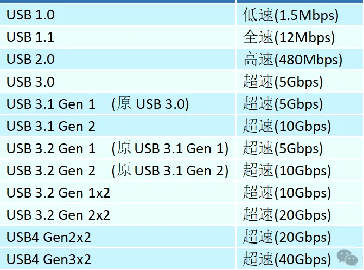
The main advantages of the USB interface are as follows:
Hot-swappable: Devices can be plugged in or unplugged without shutting down the computer, which is convenient and fast.
Versatility: It can connect to various types and functions of devices, such as mice, keyboards, printers, cameras, USB flash drives, etc.
Expandability: More devices or interfaces can be expanded through hubs or converters, such as Coaxial Thunderbolt 3 (40Gbps), HDMI, etc.
Power supply: It can provide power to external devices, with a maximum of 240W (5A 100W USB C Cable), eliminating the need for additional power adapters.
The USB interface can be classified by shape and size into Type-A, Type-B, Type-C, Mini USB and Micro USB, etc. According to the supported USB standards, it can be divided into USB 1.x, USB 2.0, USB 3.x (such as USB 3.1 with 10Gbps) and USB4, etc. Different types and standards of USB interfaces have different transmission speeds and power limits. Here are some diagrams of common USB interfaces:
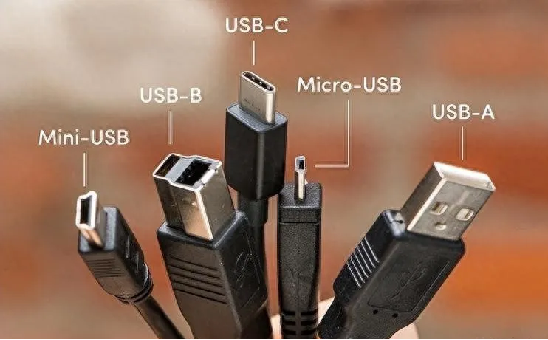
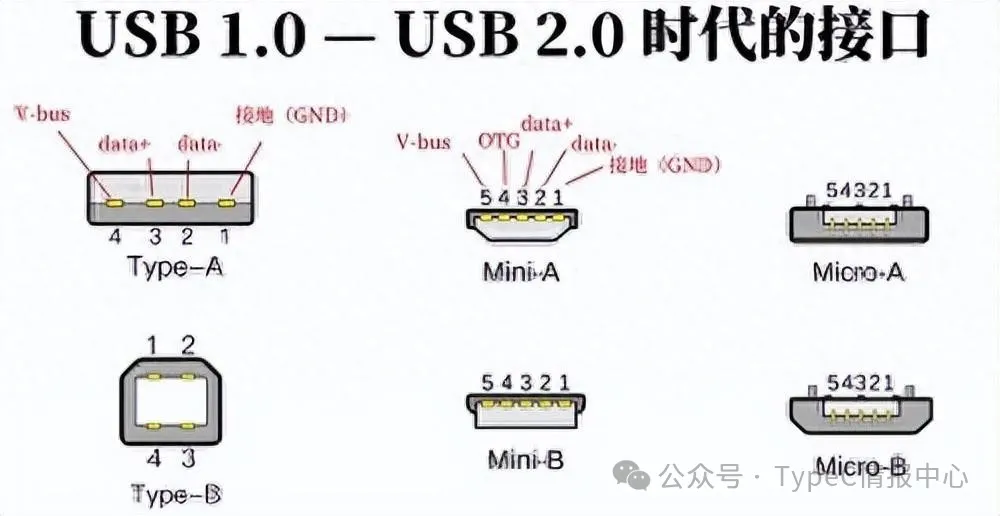
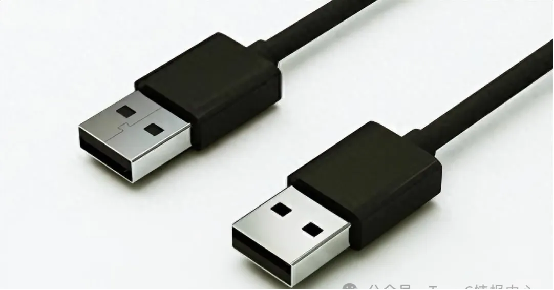
Type-A interface: The interface used at the host end, commonly found on devices such as computers, mice, and keyboards (supports USB 3.1 Type A, USB A 3.0 to USB C).
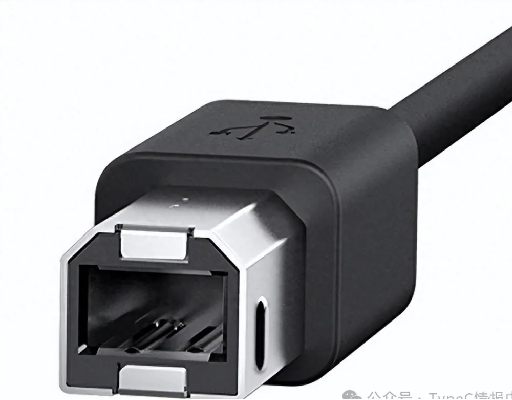
Type-B interface: The interface used by peripheral devices, commonly found on devices such as printers and scanners.
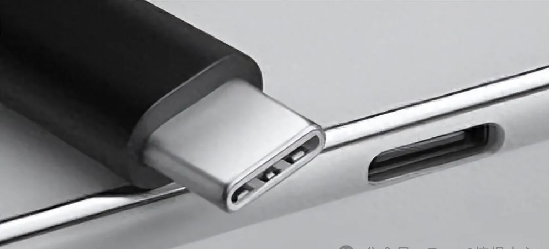
Type-C interface: A new type of bidirectional plug-and-unplug interface, supporting USB4 (such as USB C 10Gbps, Type C Male to Male, USB C Gen 2 E Mark, USB C Cable 100W/5A) standards, compatible with Thunderbolt protocol, commonly found on devices such as smartphones, tablets, and laptops.
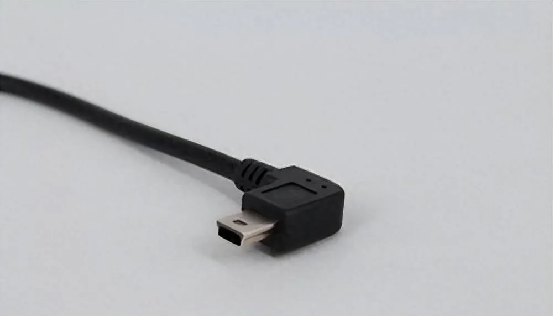
Mini USB interface: A small USB interface that supports OTG functionality, commonly found on small devices such as MP3 players, MP4 players, and radios.
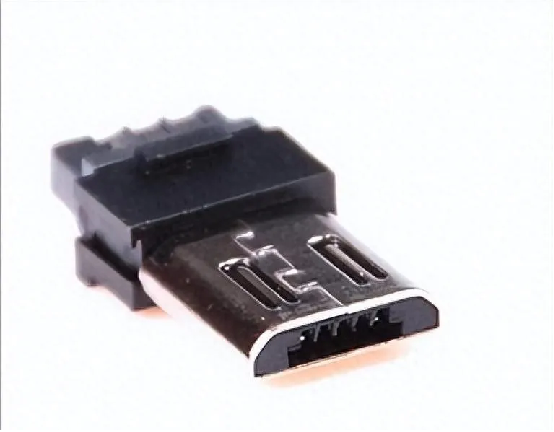
Micro USB interface: A smaller version of USB (such as USB 3.0 Micro B to A, USB 3.0 A Male to Micro B), commonly found on mobile devices like smartphones and tablets.
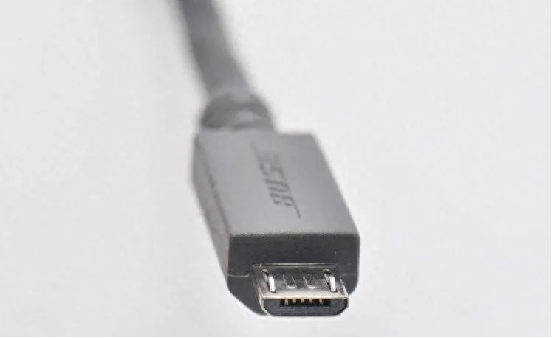
In the early days of smart phones, the most commonly used interface was the Micro-USB based on USB 2.0, which was also the interface for the phone’s USB data cable. Now, it has begun to adopt the TYPE-C interface mode. If there is a higher data transmission requirement, it is necessary to switch to USB 3.1 Gen 2 or higher versions (such as Superspeed USB 10Gbps). Especially in today’s era where all physical interface specifications are constantly evolving, the goal of USB-C is to dominate the market.
Post time: Jul-30-2025


